Export or delete data
Your data is yours.
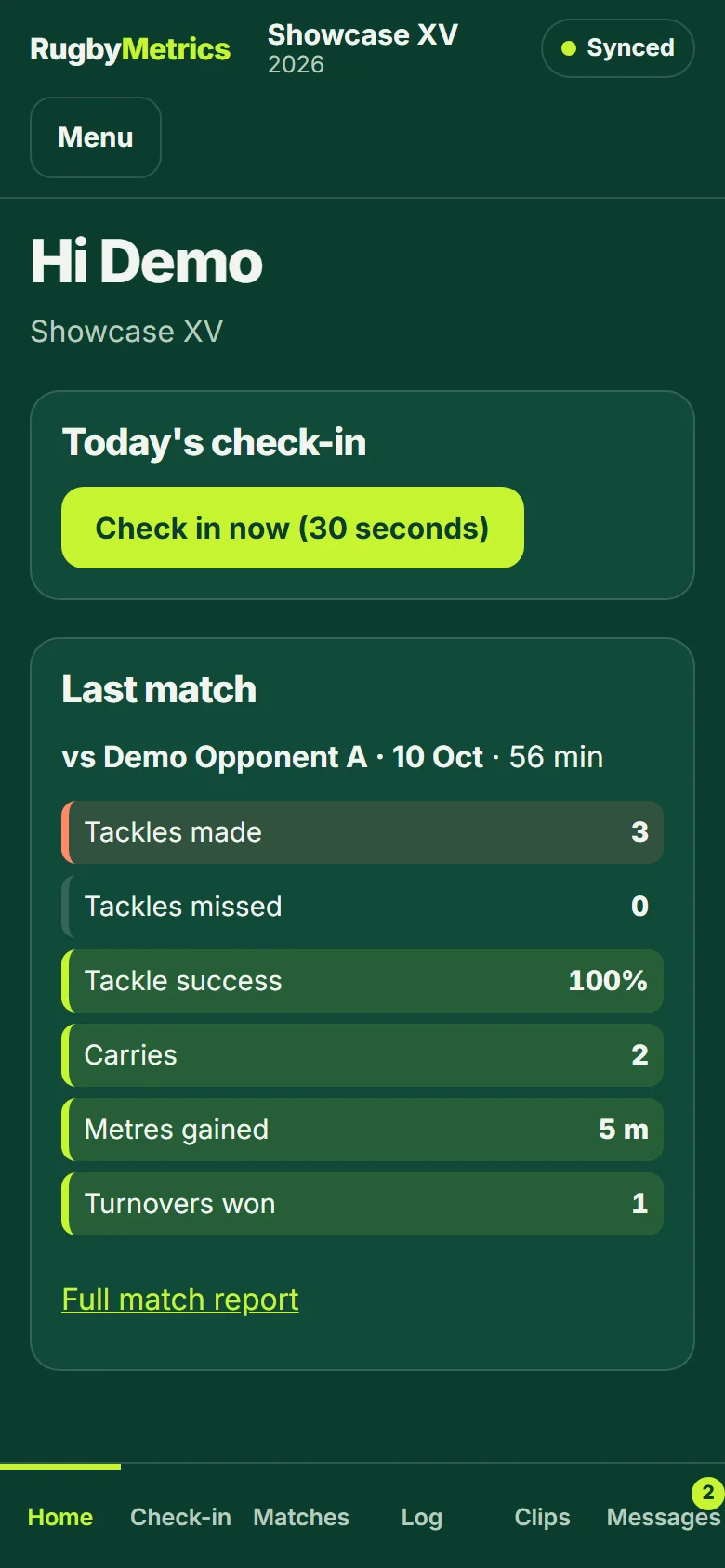
- A player can export their own data, or delete their account, from the player app (Menu, then My data).
- A club administrator can export all of the club's data, or delete the club, from Team settings. A deletion is final after the notice period; a nightly backup is kept for 14 days.
- Questions about your data can be sent to [email protected]. The Privacy Policy lists what is held and why.