How it works
Tag the match on a phone and every player gets their own numbers. Watch the walkthrough, or read the six steps below. Everything shown is the live demo on a fictional team.
Try the live demo Get early access Read the help
The six steps
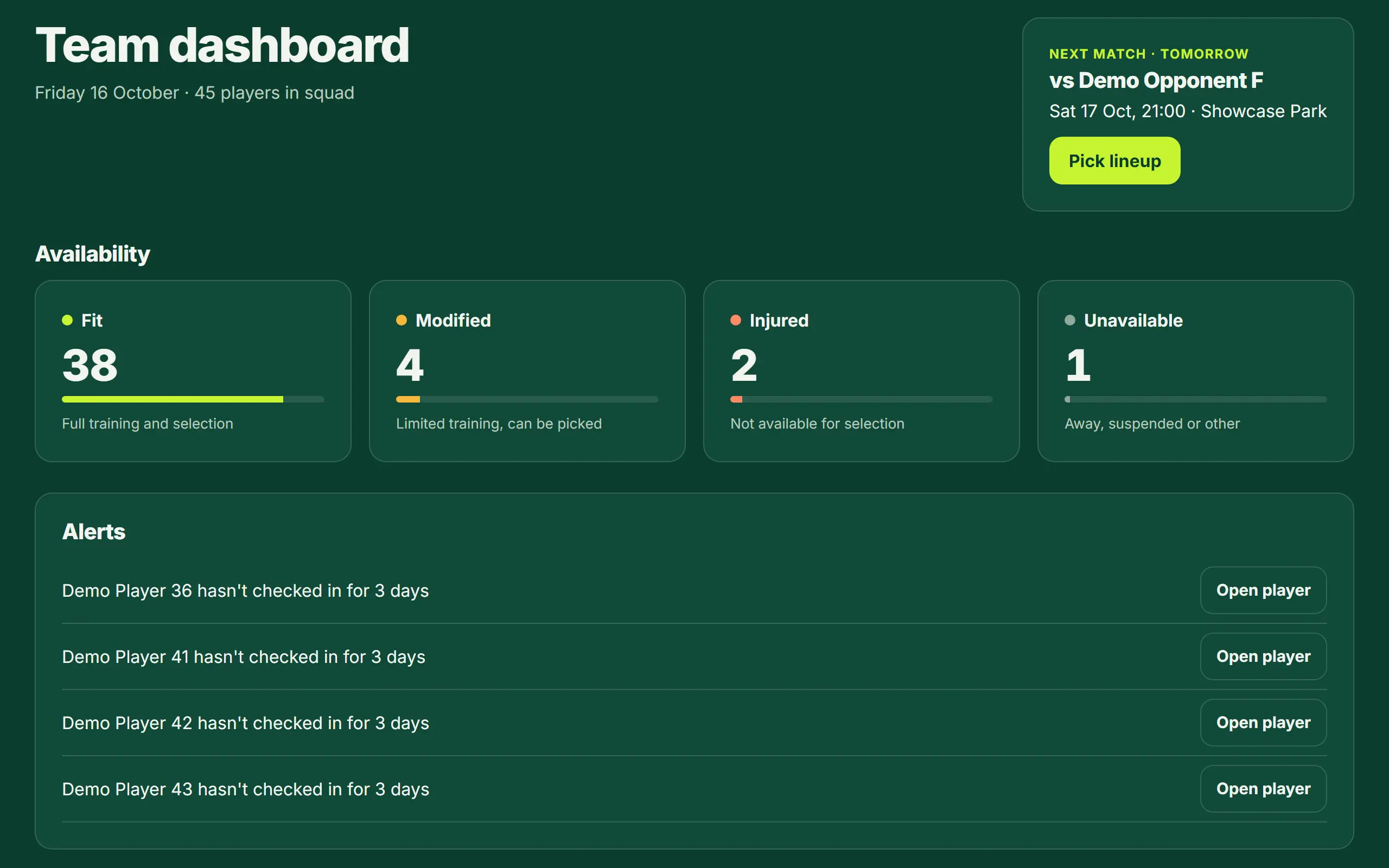
See your team at a glance
The dashboard shows the next match and who is fit, modified, injured or unavailable.
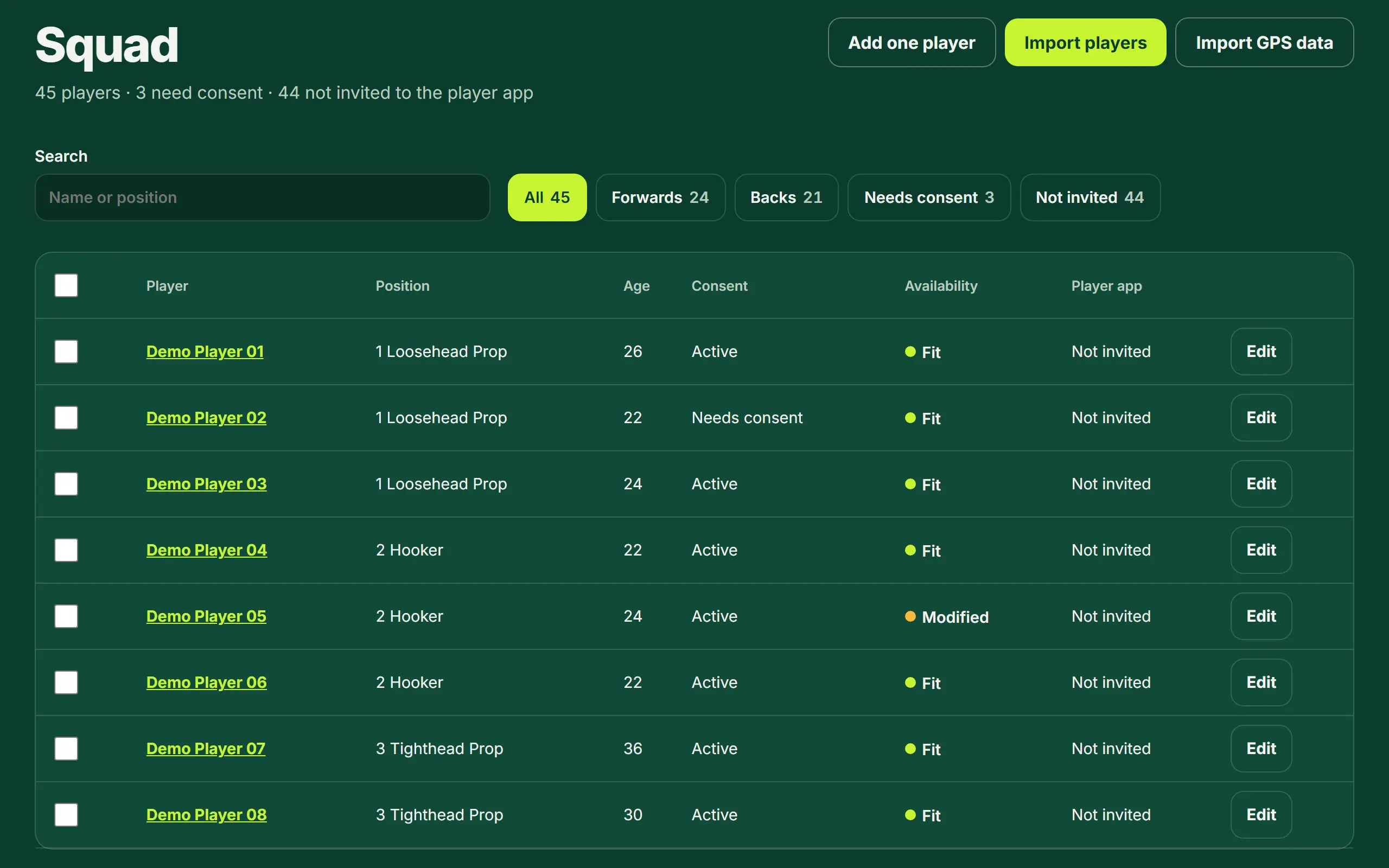
Keep your squad in one list
Positions and consent for every player. Add players one by one or import a spreadsheet. Players must be 18 or over.
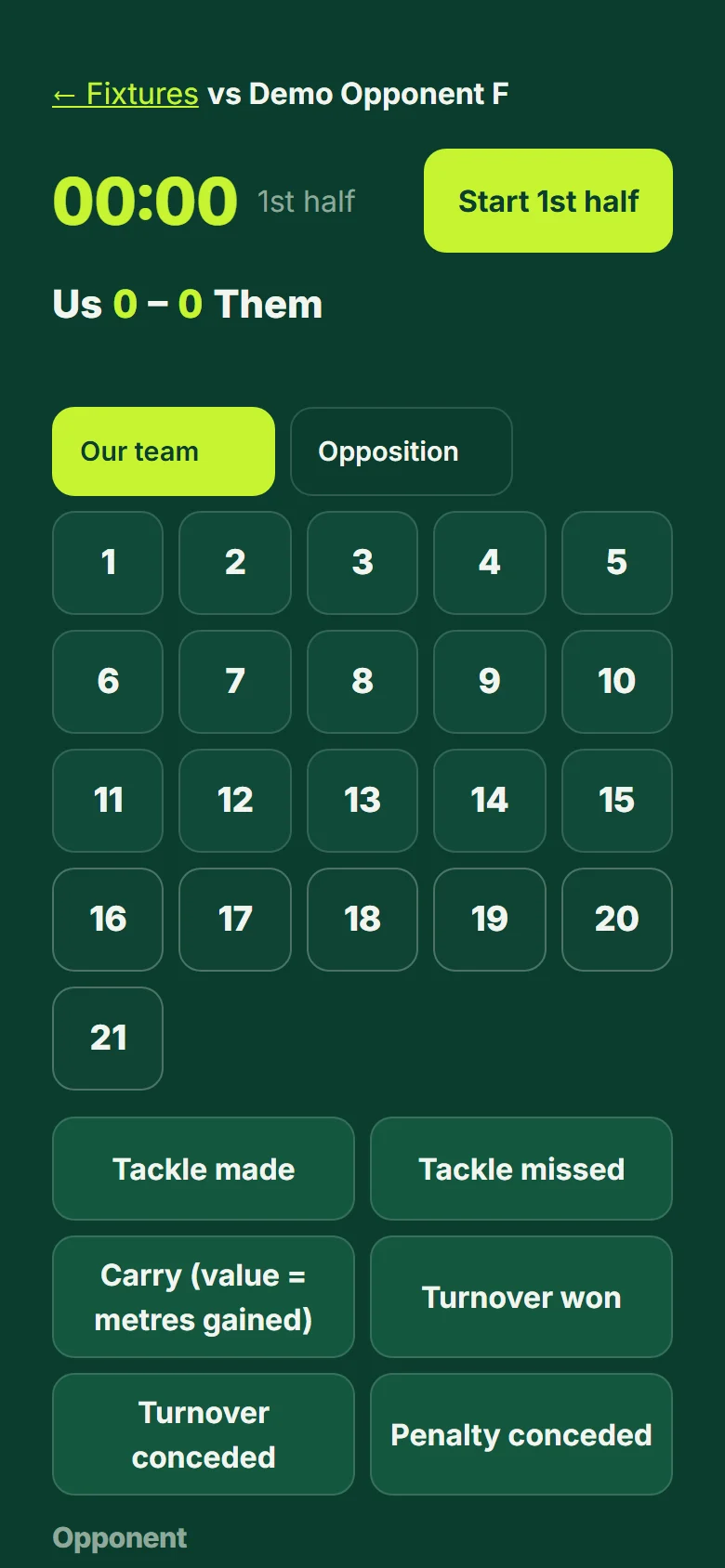
Tag the match from the sideline
Tap the player, then what they did. Tags are saved on the phone first, so a field with no signal is fine, and they are sent when you are back online.
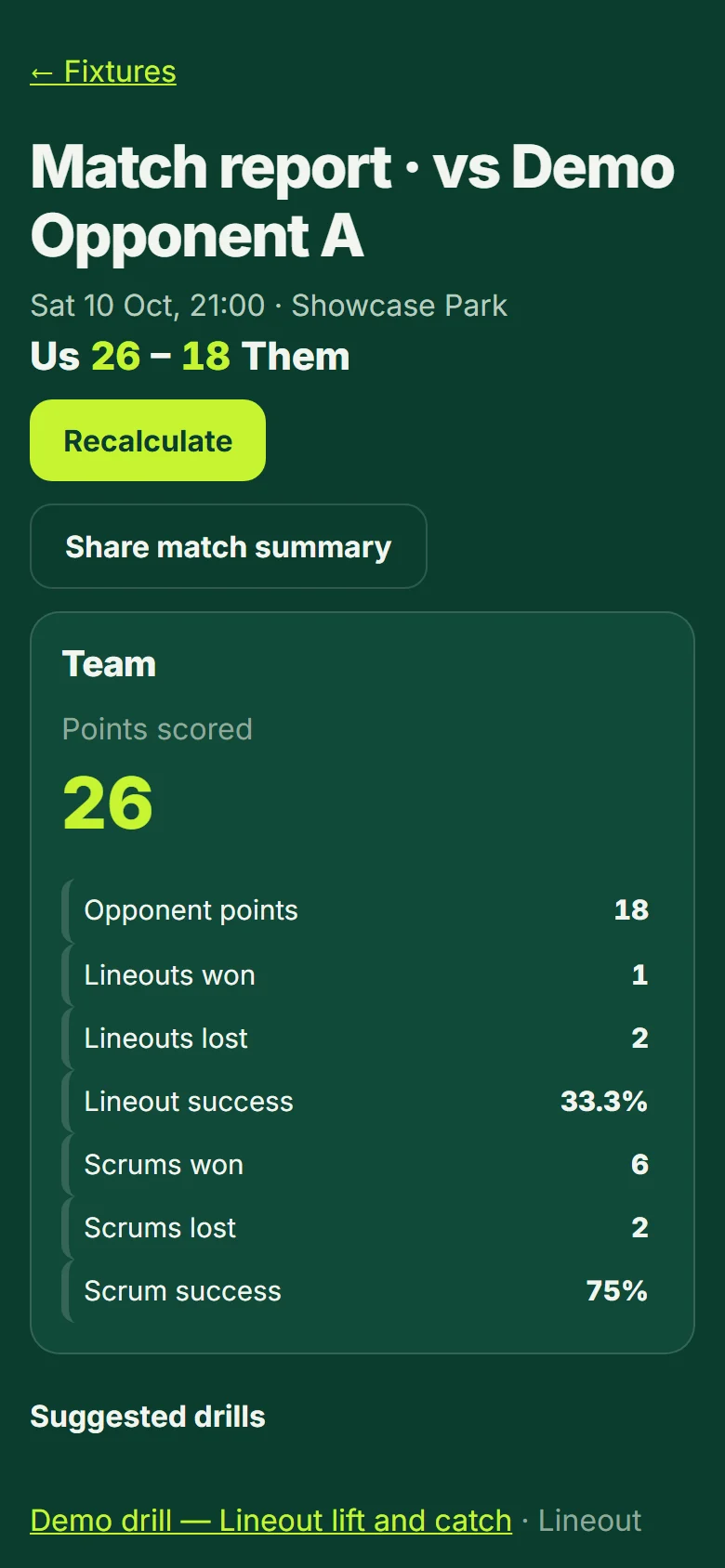
Let the report write itself
Minutes, tackles, carries, metres and team numbers are worked out for you, each player set against their own average.
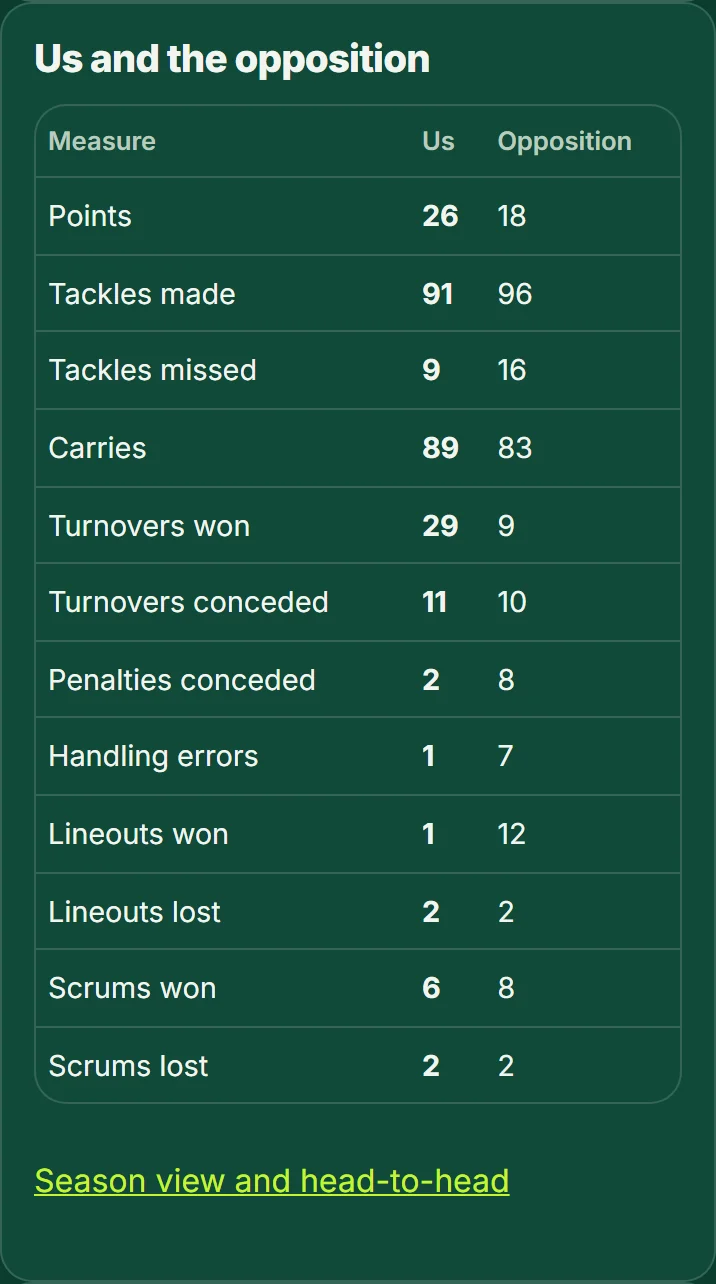
Compare with the opposition
Tag the other team too, then compare your numbers with every team you face.
Give every player their own numbers
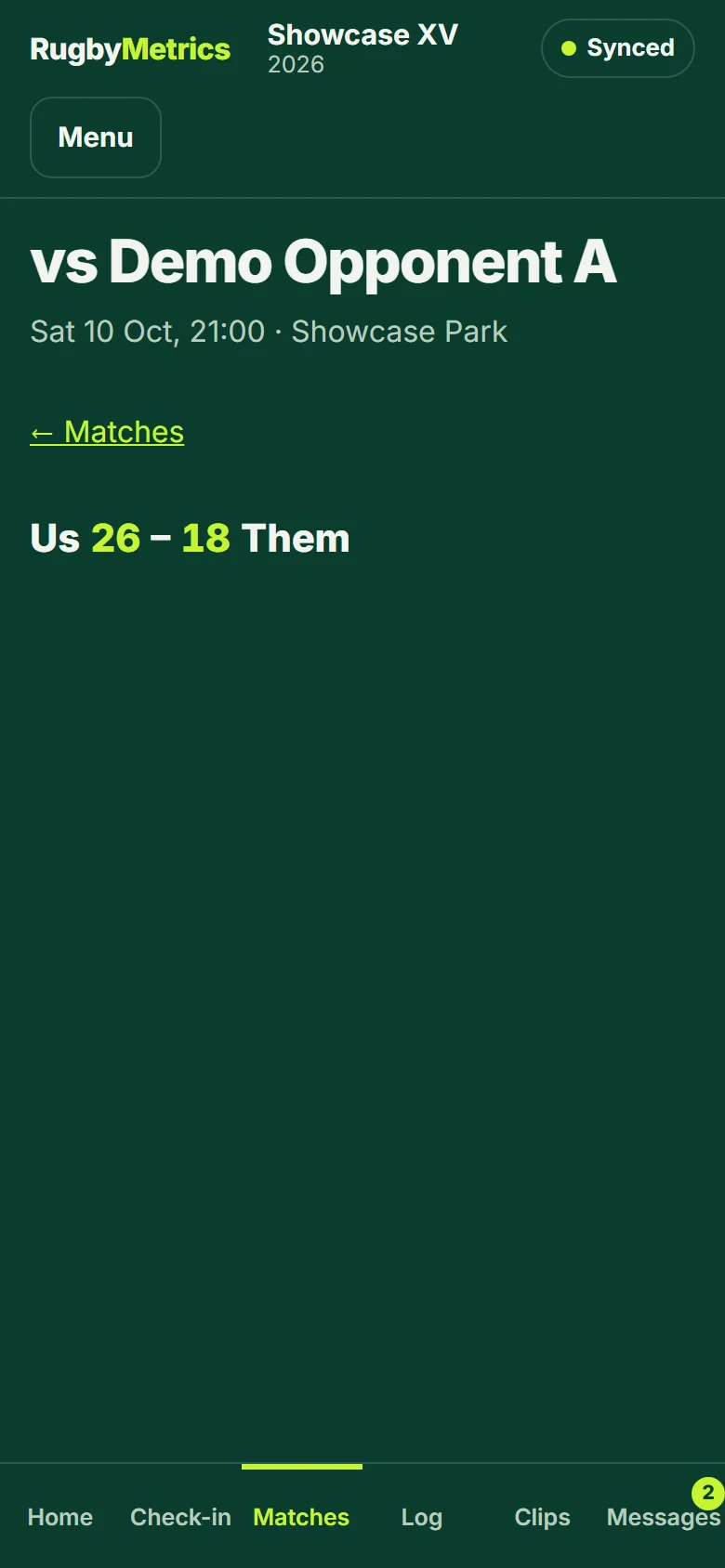
Each player sees their own match report, their season trend and their clips on their phone, and only their own data.
Free for one team, forever. Club is $49 a month and Club Plus $99 a month. See pricing.