GPS and Connect
Bring running data in from a file, or from your device system.
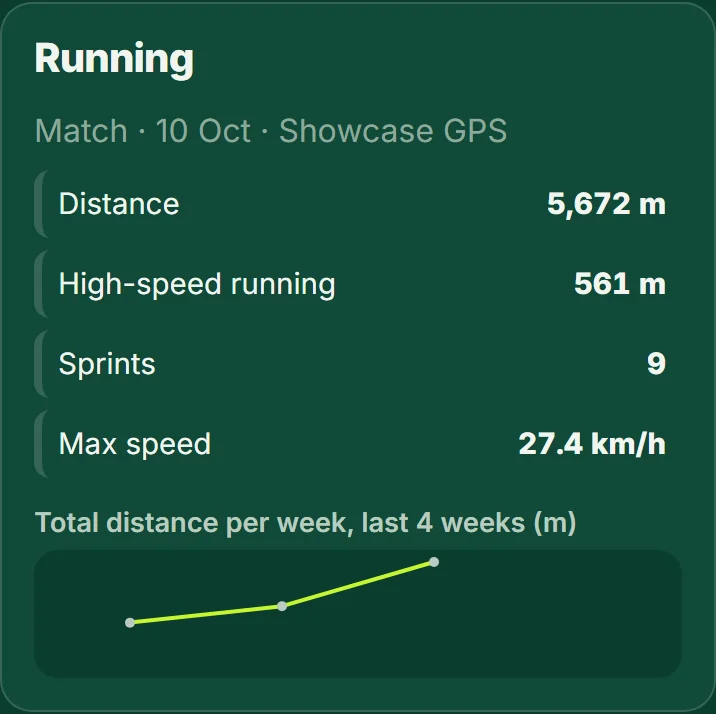
- To import a GPS file open Squad then "Import GPS data" (Club and Club Plus), choose the file and match the players. Distance, high-speed running, sprints and top speed show on each player's page and in their own app.
- Heart rate is shown only for players who agreed to it.
- If you make GPS or wearable systems, RugbyMetrics Connect is the device data API: you get an API key for a team and send one JSON document per session. See the Connect page for the schema and the self-test endpoint.
Good to know: You do not need GPS vests: start with just a phone on the sideline.