Getting started
From first look to your first tagged match.
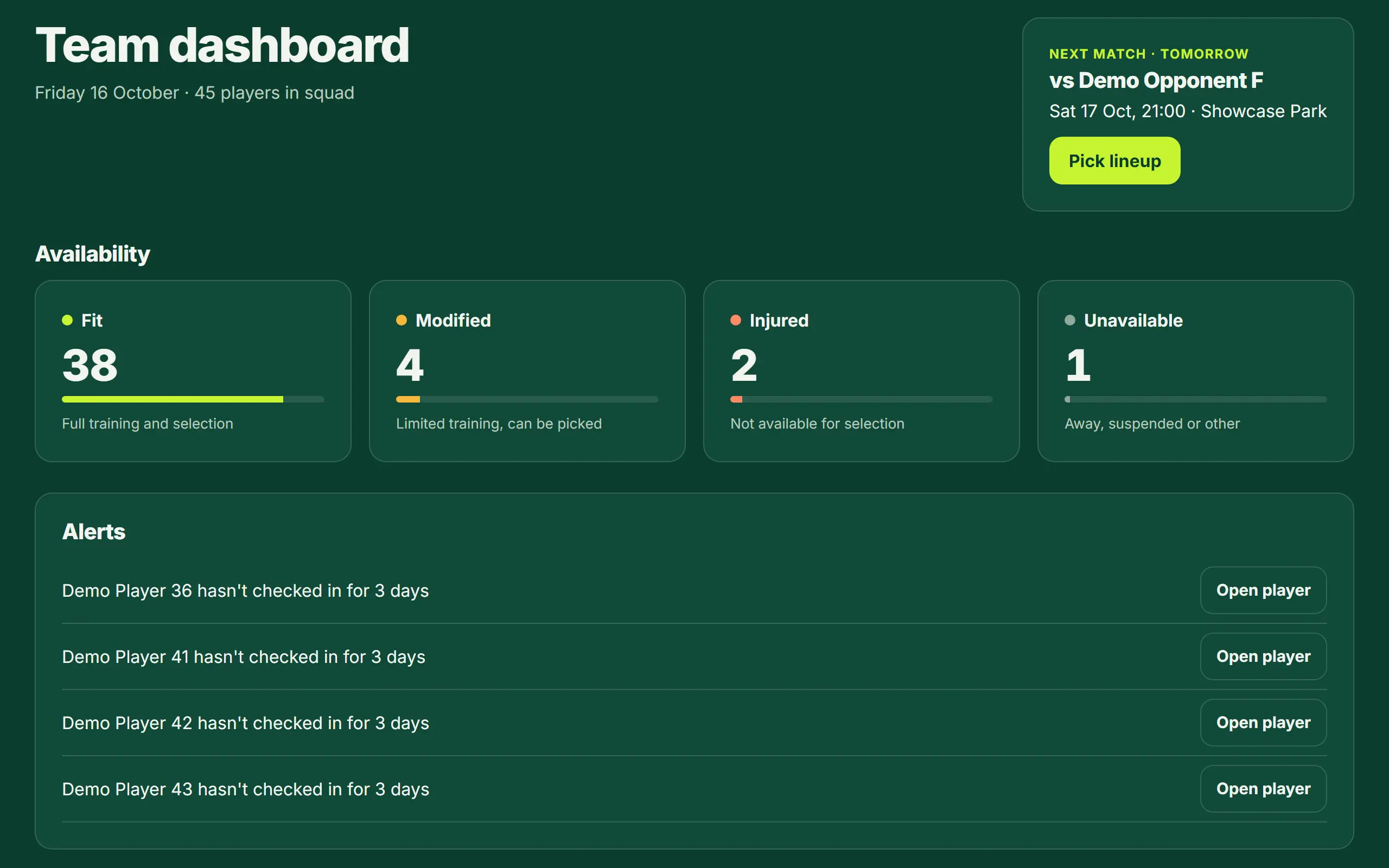
- Try the live demo first: it is the real app on a fictional team, read-only, with no sign-up. Choose "See it as a coach" and follow the tour.
- When coach access opens, sign up as a club administrator and add your team. One team is free, forever.
- Add your players (one by one, or import a spreadsheet), and pick a lineup for your next match.
- Tag the match from the sideline. Afterwards open the match report; invite your players so each one sees their own numbers.
Good to know: RugbyMetrics is for adult teams: every player must be 18 or over.