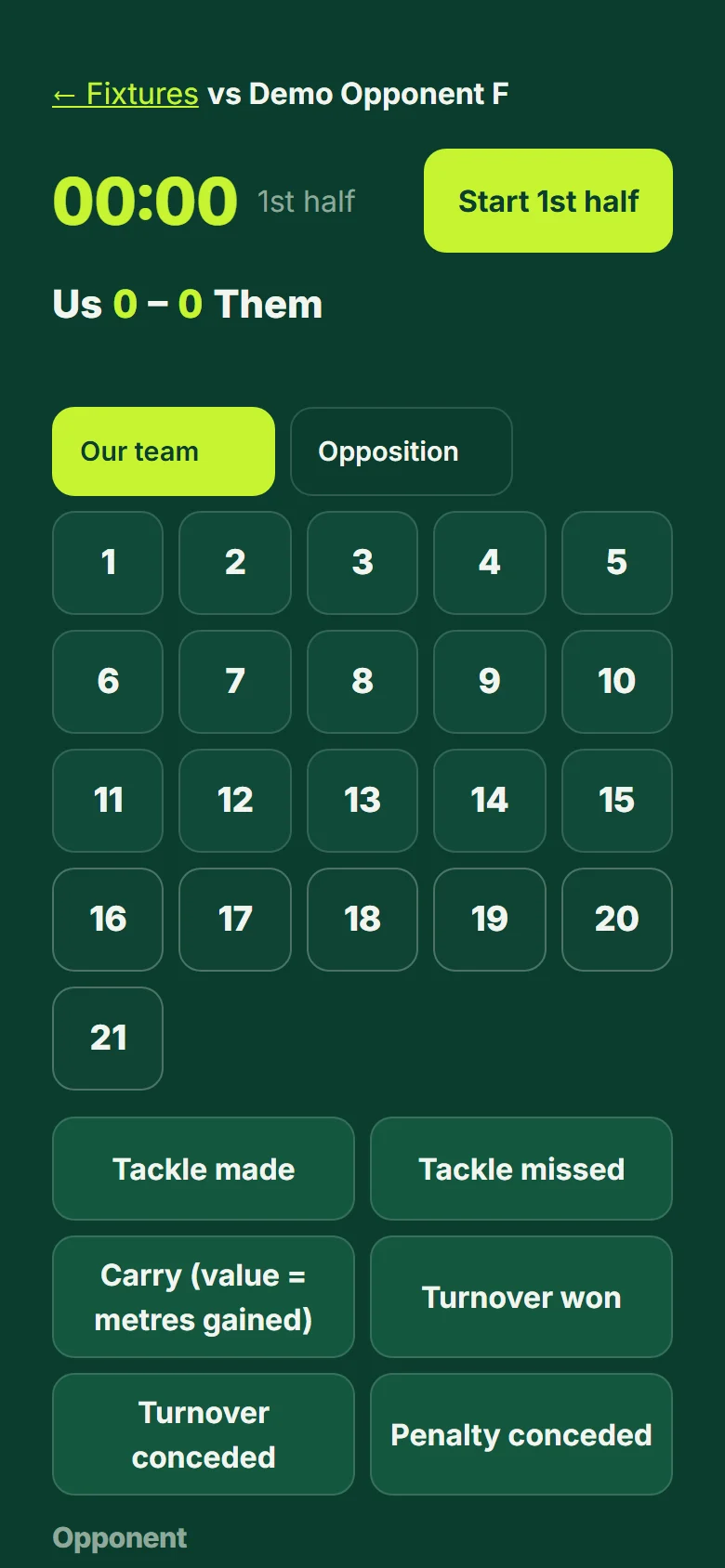
Tag a match live
Tap the player, then what they did. It works with no signal.
- Open Fixtures, choose the match and pick the lineup (jerseys 1 to 15 start, 16 and up are the bench).
- Open the tagger and press "Start 1st half". The clock runs; pause it, end the period, start the next one.
- Tap a player's number, then the event: tackle made or missed, carry (it asks for the metres gained), turnover, lineout, scrum, try, conversion and more. Set pieces need no player.
- Made a mistake? "Undo" removes the last tag. To tag the other team switch to "Opposition".
- Tags are saved on the phone first and sent when there is signal, so a field with no coverage is fine.
Good to know: Try it without any risk in the demo tour: practice tags stay on the screen and are never saved.