Several taggers and voice tagging
More than one person on the sideline, and tags by voice.
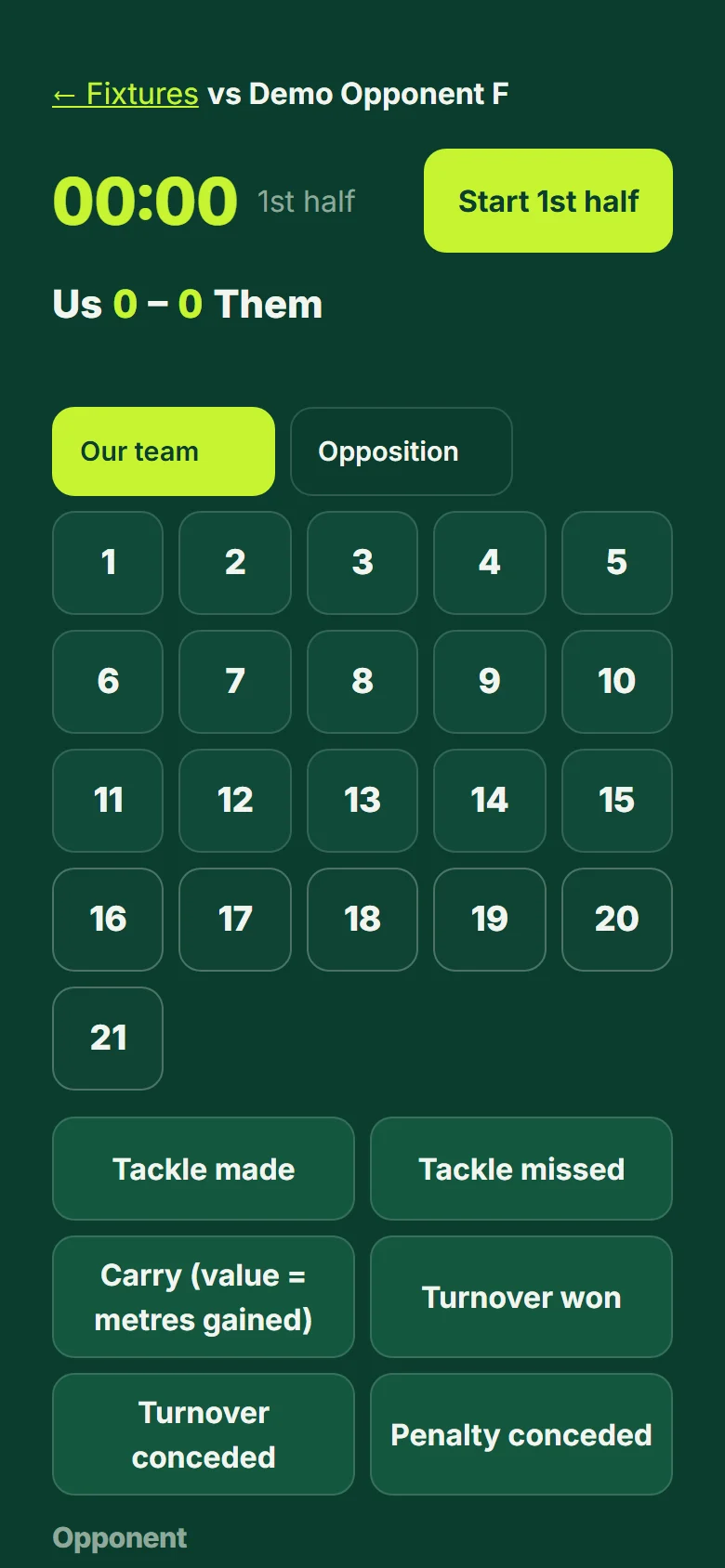
- On the tagger screen open "Add taggers", choose who the code is for (everyone, forwards or backs) and press "Make a code". A 6-character code and a QR code appear. Anyone you share it with can tag this one match from their own phone.
- They sign in (a free account is enough), open the link or the QR code (or go to app.rugbymetrics.com/join and type the code) and see the lineup's names and numbers only: no health or other data. Their access ends 24 hours after full time.
- If two people tag the same player and event within 3 seconds, it counts once: the second one is kept and marked as merged, so nothing is counted twice.
- To tag by voice, hold "Hold to talk" and say the number and the event, for example "twelve tackle", "7 missed tackle", "try 11" or "lineout won". The tag appears as a chip and is added after 2 seconds unless you press Cancel. Voice uses your browser's own speech recognition (some browsers send the audio to their maker to do this); RugbyMetrics stores no audio, and the button is hidden where the browser has no speech recognition.
- For match notes open the match report and press "Dictate" (your words are sorted into positives, work-ons and a line per player).
Good to know: Missed a moment live? Press "Missed it": it marks the match time so you can check the video afterwards.