Match reports
The numbers are worked out for you.
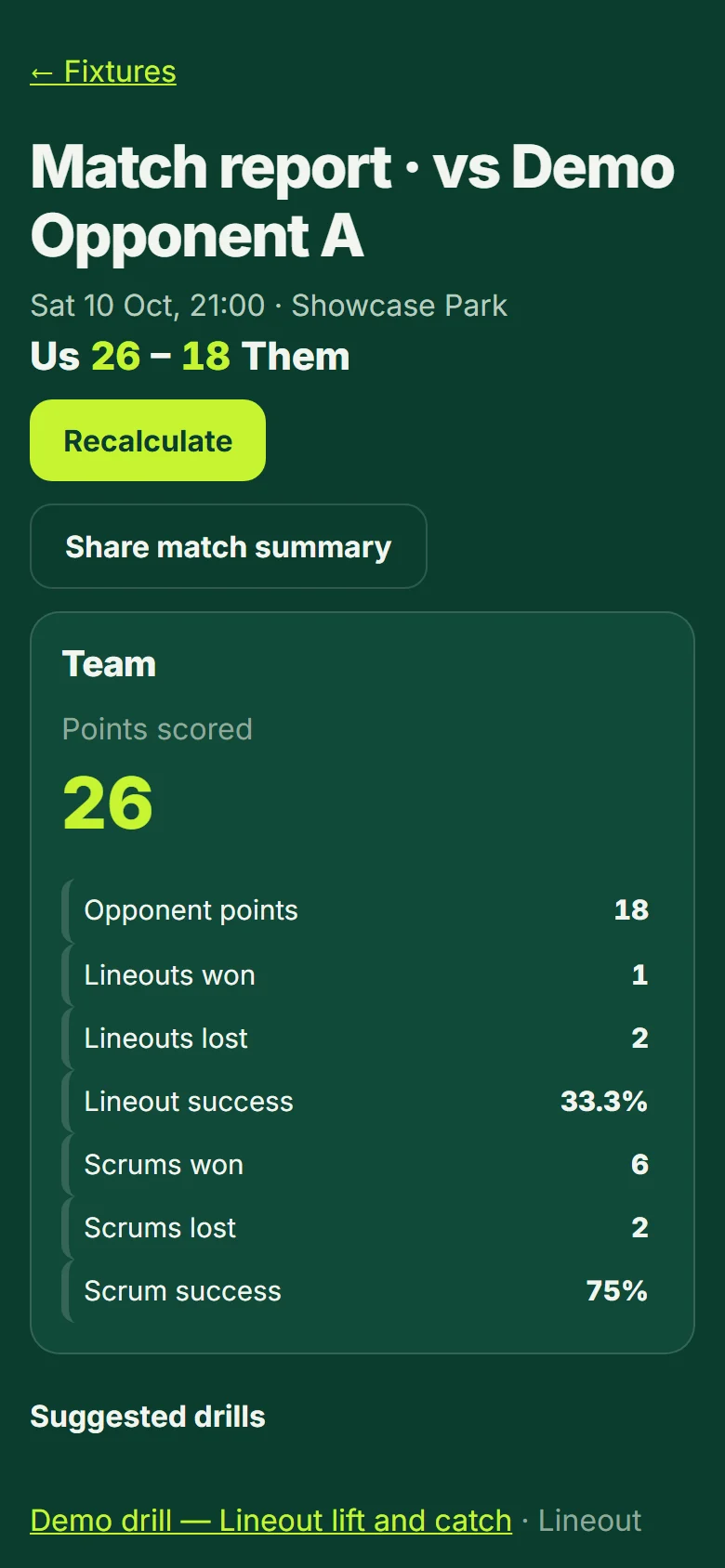
- Open Fixtures and choose a played match, then "Report". Press "Recalculate" after tagging to refresh the numbers.
- The report shows the score, the team numbers (points, lineouts, scrums) and a card for every player: minutes, tackles, carries, metres, turnovers and penalties.
- Each number is set against that player's own average; the first match has nothing to compare with.
- Share a match summary as a picture (first names shortened to an initial unless your team setting allows full names), and compare with the opposition from the Opposition page.